Introduction
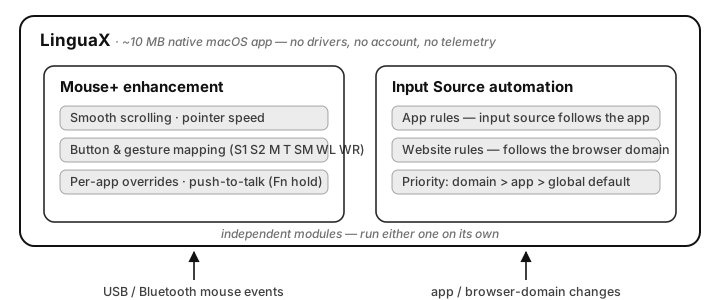
LinguaX is a ~10 MB native macOS utility with two independent core modules: Mouse+ makes any third-party mouse feel native — smooth scrolling, button and gesture mapping, per-app behavior — and Input Source automation keeps your keyboard language aligned with the app or website in front of you. No drivers, no account, no telemetry.
Start here
New to LinguaX? Three short pages get you from download to a working setup:
- Installation — drag to Applications, done in under a minute.
- First run — permissions and your first mapping.
- Quick tour — validate everything in five minutes.
Setting up for a specific role? See Setup for developers or Setup for designers.
Configure your mouse
Turn a basic mouse into a precise, configurable tool:
- Mouse+ overview — what the module does and why it's native.
- Smooth scrolling — tunable Min Step, Speed Gain, and Duration.
- Button mapping and gesture mapping — click, double-click, long-press, and directional swipe per button.
- Compatible models — per-model guides for MX Master, MX Anywhere, G Pro X Superlight, Lift, MX Ergo, and more.
Automate input switching
For multilingual and multi-app work, the input source follows your context automatically:
- Automatic input source switching — how it works and what triggers it.
- App & website rules — the two rule types and their priority.
- Multilingual workflow — a stable bilingual setup pattern.
Priority is always website domain rule > app rule > global default. Domain rules work in Safari, Chrome, Edge, Brave, and Opera (not Firefox).
Set up push-to-talk
A mouse side button can hold the Fn (Globe) key — a physical push-to-talk switch for voice typing:
- Push-to-talk voice typing on Mac — the core setup.
- Best push-to-talk apps for Mac — pick a voice tool.
- Wispr Flow & superwhisper hotkeys — app-specific configuration.
Why LinguaX
- Lightweight — ~10 MB, fully native macOS app; no Electron, no background bloat.
- Private — no account, no telemetry; configuration stays on your Mac (synced via your own iCloud).
- Driverless — drag to Applications and it works with any USB or Bluetooth mouse.
- Honest pricing — $9.9 one-time Lifetime purchase covering 3 devices, with a 30-day free trial. No subscription.
Coming from another tool?
- Logi Options+ alternative — replace the Electron suite.
- Mos vs LinearMouse vs Mac Mouse Fix — how the free tools compare.
- MX Master 3S: migrate from Logi Options+ — step-by-step migration.
Product preview
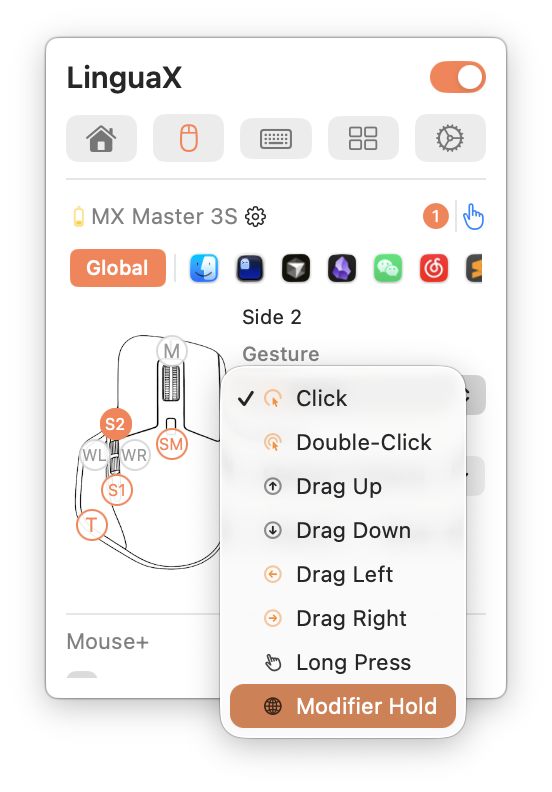
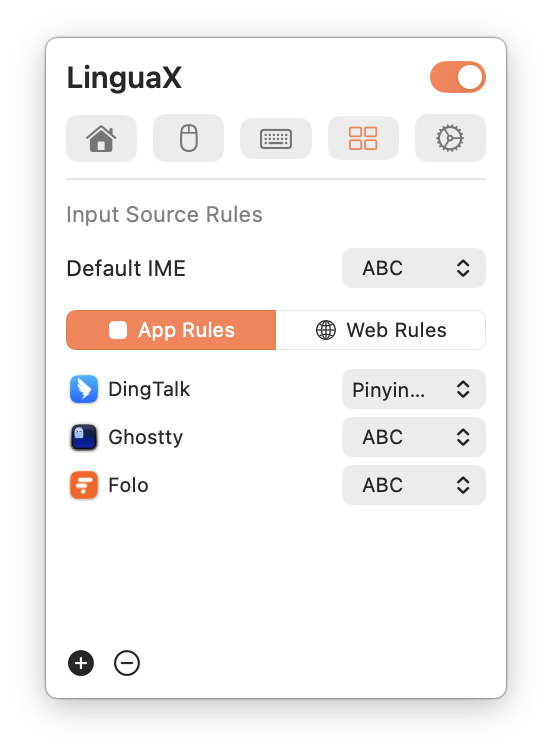
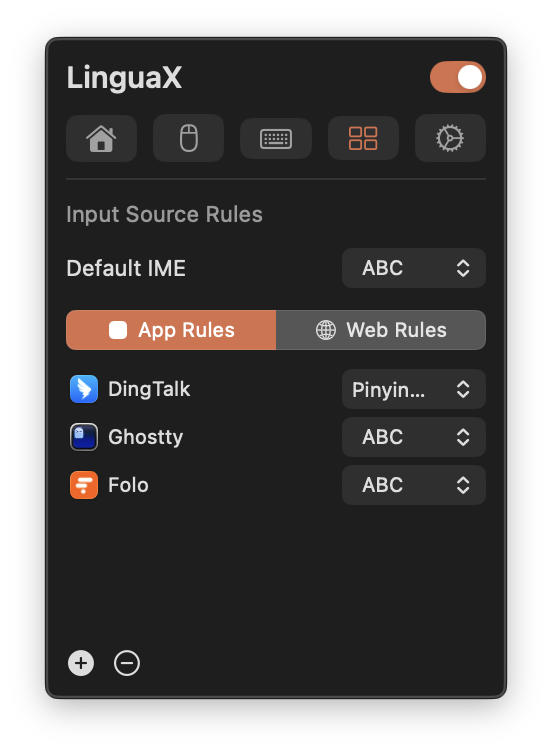
More screenshots throughout the per-feature pages. Questions? Start with the general FAQ or troubleshooting.