Mouse+ — Mouse Enhancement for macOS
Mouse+ gives any third-party mouse native-grade feel on macOS. It smooths scrolling, maps side buttons and gestures to real actions, and lets each app behave differently — all from a single, lightweight app that needs no driver.
It is a ~10MB native macOS app. There is no Electron runtime, no account, no telemetry, and nothing to install at the kernel level. Plug in a USB or Bluetooth mouse and Mouse+ enhances it in place.
What Mouse+ does
- Smooth scrolling — replace the jumpy, notch-by-notch scrolling of third-party mice with a tunable smooth curve.
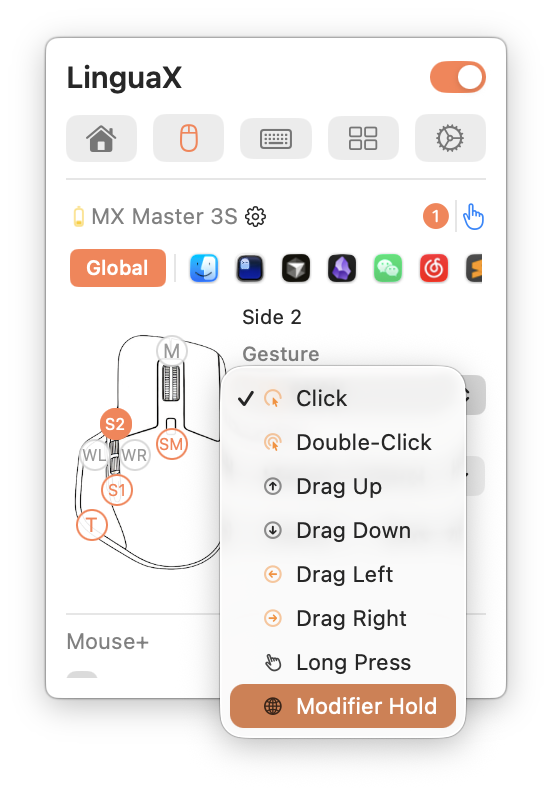
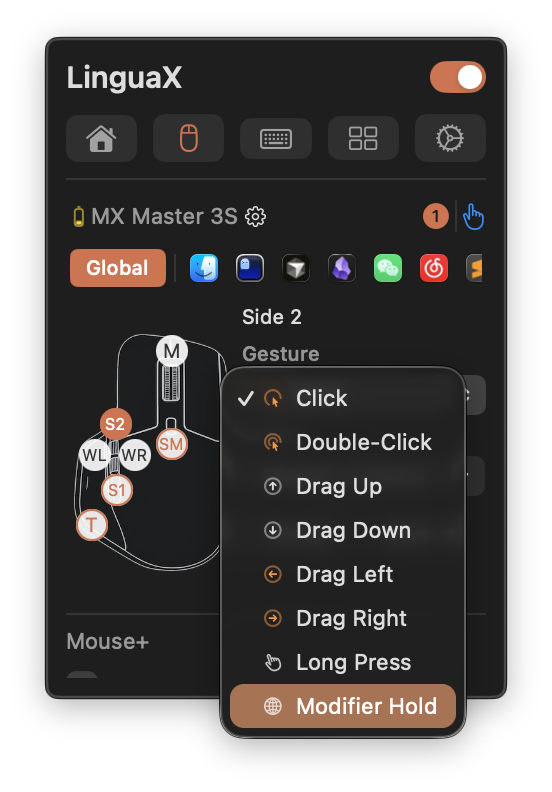
- Button & side-button mapping — map side buttons, wheel tilt, and thumb buttons to launches, system controls, media, and shortcuts.
- Gesture mapping — bind click, double-click, long-press, directional drag, and swipe gestures to actions.
- Pointer speed & acceleration — fine-tune pointer speed and acceleration, applied instantly through a low-level system path.
- App-scoped overrides — give Xcode, Figma, or your browser their own smooth-scroll and gesture behavior.
- Device compatibility — works with any USB or Bluetooth mouse, with enhanced recognition for about 20 models (primarily Logitech) like MX Master, G502, and M720.
Why native & lightweight
- ~10MB, fully native. No Electron, no bundled browser engine, no background bloat.
- No account, no telemetry. Configuration stays on your Mac; nothing is sent anywhere.
- Reliable across sleep/wake. Bluetooth devices recover automatically after sleep, and critical services refresh on system wake.
- Driverless. Nothing installs at the system level; uninstalling is just deleting the app.